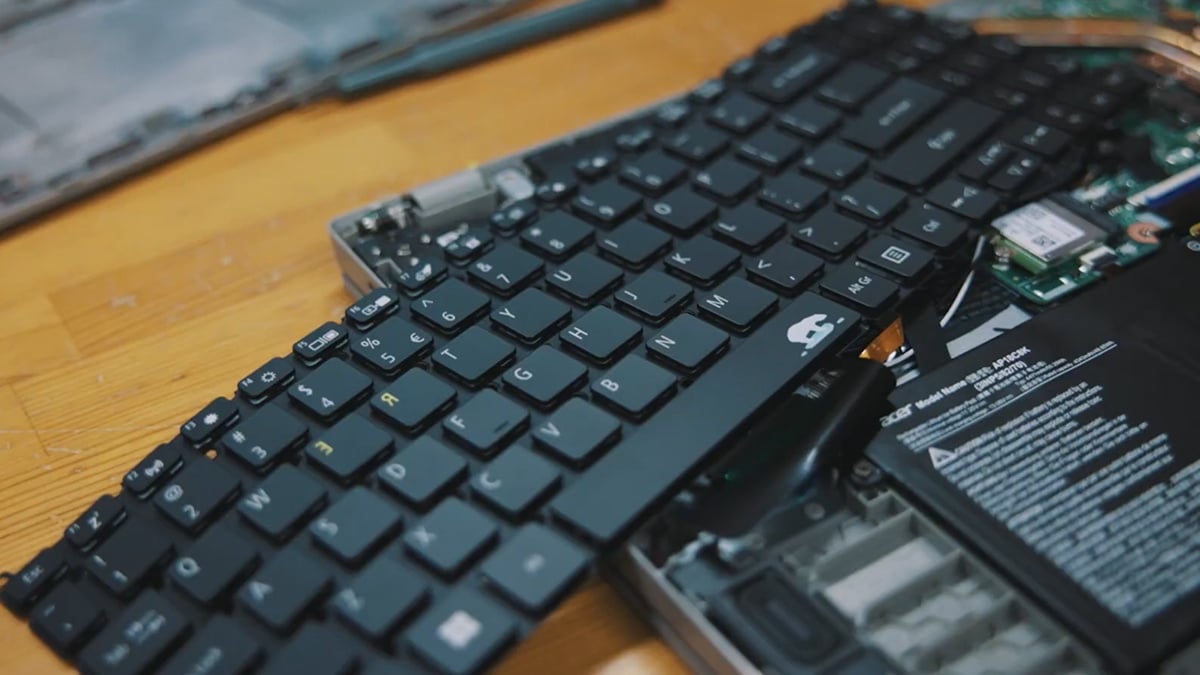
In recent years, the global commodities market has seen a dramatic surge in the prices of gold and silver. While often viewed through the lens of jewelry or investment portfolios, these metals are the lifeblood of modern electronics.
As prices climb, the computer market feels the pressure. This leads to increased manufacturing costs and a greater emphasis on material efficiency.
Understanding the physical makeup of our devices helps us appreciate why recycling and sustainable manufacturing are now essential. Beyond just high performance, the industry is moving toward a circular economy. This shift makes it vital for consumers to know what is inside their tech, how to find a sustainable green pc, and how to handle devices at the end of their life cycle.
The Physical Makeup of a Computer
While we often interact with the sleek exterior of a laptop or the glass of a monitor, a computer is a complex assembly of diverse materials. Generally, the physical composition of a computer can be broken down into seven primary categories:
Material Category | Approximate Weight % | Examples |
|---|
Plastics | 25% – 50% | Outer casing, keyboard keys, internal frames. |
Iron & Steel | 20% – 25% | Screws, internal shielding, brackets. |
Aluminum | 10% – 15% | Heat sinks, premium chassis. |
Copper | 7% – 10% | Wiring, motherboard traces, heat pipes. |
Glass | 8% – 10% | Screen panel, webcam lens. |
Precious Metals | < 0.1% | Gold, Silver, Palladium, Platinum. |
Rare-Earths | ~ 0.2% | Neodymium, Terbium (found in magnets/speakers). |
Precious and Rare Metals: What’s Inside and Why?
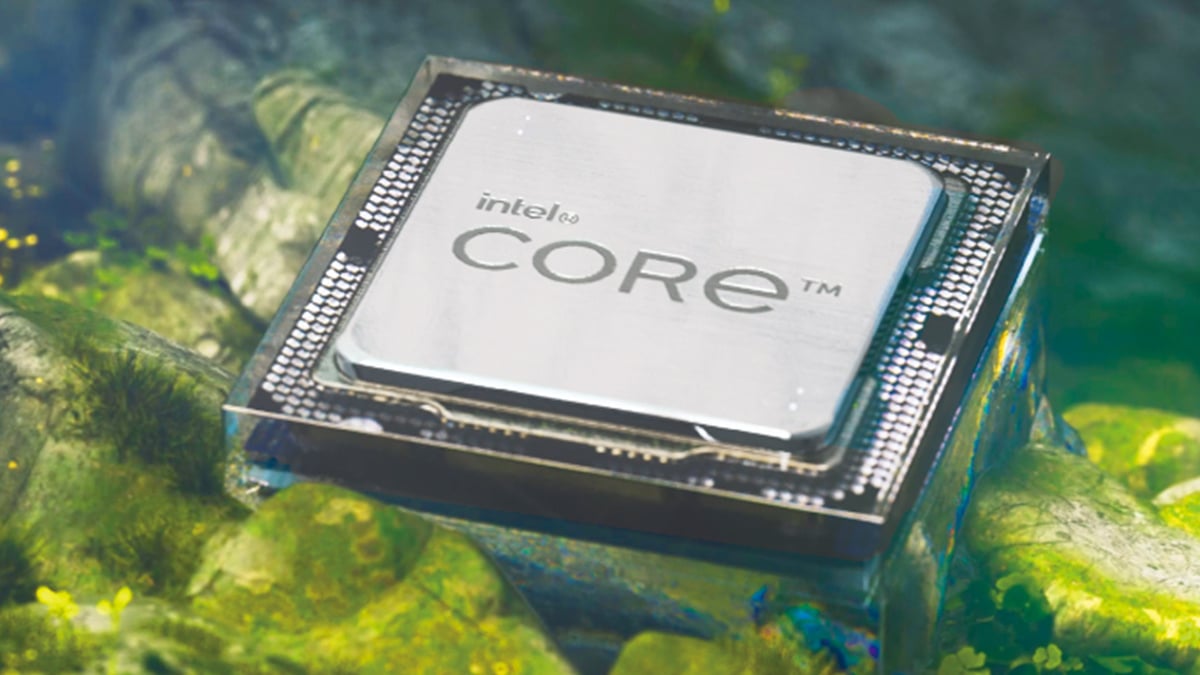
Beyond the bulk materials like steel and plastic, computers contain a variety of specialized metals. Each serves a critical function that cannot be easily replicated by cheaper alternatives.
- Gold: Used in connectors, switch and relay contacts, and connecting wires. Gold is the top choice because it is an excellent conductor and, unlike copper, does not corrode or rust over time. In a modern laptop, you will find approximately 0.1g to 0.3g of gold. A desktop holds slightly more, ranging from 0.2g to 0.5g, concentrated mostly in the CPU pins and the contacts of the RAM sticks.
- Silver: Found on circuit boards and in membrane switches. Silver has the highest electrical conductivity of any element, making it vital for high-speed signal processing. Because it is used in lead-free solder and keyboard membranes, it is more abundant than gold; a laptop contains about 1.0g to 2.0g, while a desktop can house up to 3.0g.
- Platinum and Palladium: These are used in multi-layer ceramic capacitors and hard drive coatings to increase storage density. These are among the rarest metals used. A laptop usually contains just 0.01g of palladium, while a desktop (especially one with a traditional mechanical hard drive) might reach 0.05g.
- Tantalum: Used in micro-capacitors. Its ability to store high amounts of energy in a tiny volume is what allows smartphones and laptops to stay thin. You will find roughly 0.5g to 1.0g in a high-end laptop. Desktops often have a lower concentration per square inch because they have more physical space for larger, standard capacitors.
- Lithium and Cobalt: The essential components of the Lithium-ion batteries that power every modern portable computer. This is where the weight is most significant. A standard laptop battery contains between 30g and 50g of cobalt and 4g to 8g of lithium. Most desktops contain 0g of these metals unless they are an All-in-One model with a built-in battery backup.
- Neodymium: A rare earth metal used to create the powerful magnets in hard drive actuators and high-fidelity laptop speakers. In a laptop, there are roughly 3g to 5g of neodymium. A desktop can contain significantly more, up to 20g, if it uses a 3.5-inch mechanical hard drive where a powerful magnet is required to move the read/write head.
Why do manufacturers use these rare metals?
Manufacturers use these materials because of their unique physical properties that common metals simply cannot replicate. Rare and precious metals offer superior conductivity, extreme magnetic strength, and unmatched resistance to heat and corrosion.
As devices become smaller and more powerful through miniaturization, the demand for materials that can perform reliably at a microscopic scale becomes even higher. For example, while copper is a great conductor, it is prone to oxidation; at the microscopic level of a modern CPU or RAM connection, even a tiny amount of rust could cause a total system failure. This is why gold and palladium are non-negotiable for internal components.
Furthermore, these metals are essential for thermal management. Modern laptops generate immense heat in very tight spaces. Metals like tantalum and silver maintain their electrical stability even at high temperatures, preventing the "lag" or hardware degradation that would occur with cheaper alternatives. Without these specific elements, a modern high-performance laptop would either be three times the size or fail within months of use.
How and Where to Recycle Old Laptops
Given the high concentration of valuable metals inside electronics, knowing how to recycle old laptop devices properly is vital for the environment. You should never throw a laptop in the general trash. This is because it contains both valuable resources and hazardous materials that require professional handling.
If you are wondering where can i recycle old laptops, there are several reliable options:
- Manufacturer Take-Back Programs: Many brands offer mail-in or drop-off programs.
- Certified E-waste Recyclers: Look for "e-Stewards" or "R2" certified facilities in your city.
- Retail Chains: Major electronics retailers often have kiosks for smaller devices and batteries.
The Importance of E-Waste Recycling and Acer’s Commitment

Because these metals are finite, difficult to mine, and increasingly expensive, "urban mining" has become a global priority. This is the process of recovering metals from old electronics rather than extracting them from the earth.
Acer is at the forefront of addressing this challenge. Through their commitment to circular economies, Acer has implemented robust global recycling programs. This dedication to sustainability is best seen in the Acer Vero line. This green piece utilizes post-consumer recycled (PCR) plastics and easily recyclable components. By reclaiming precious metals and plastics, Acer reduces the need for new mining operations and lowers the carbon footprint of their products.
Conclusion: A Sustainable Tech Future
The modern computer is a marvel of material science. It utilizes everything from common steel to the rarest elements on Earth. As gold and silver prices continue to fluctuate, the importance of these materials becomes clearer. We must work to keep them in the supply chain rather than letting them sit in landfills.
We encourage all users to think twice before discarding old hardware. You can learn how to upcycle or recycle your old PCs to ensure your old tech does not go to waste.
When you are ready for an upgrade, look for devices designed with the future in mind. The Acer Swift 16 AI represents the next generation of computing. It combines cutting-edge AI performance with the efficient use of high-end materials. By choosing smarter tech and recycling our past devices, we can ensure the computer industry remains sustainable for decades to come.
FAQ
What are the primary metals found in a computer?
Computers contain a wide variety of metals including iron, steel, aluminum, and copper. They also feature smaller but vital amounts of precious metals like gold, silver, and platinum. Rare earth materials such as neodymium are also used in speakers and hard drives.
How do rising gold and silver prices affect the cost of my computer?
Gold and silver are essential for reliable circuit boards and connectors. When global prices for these metals rise, the cost of manufacturing high-end electronics increases. This can lead to higher prices for consumers or a greater focus by manufacturers on recycling materials to keep costs down.
Why do manufacturers use gold instead of cheaper metals like copper?
While copper is a great conductor, it can oxidize or rust over time. Gold is used for critical connection points because it is an excellent conductor and does not corrode. This ensures that the computer remains functional and reliable for many years.
Where can I recycle old laptops safely?
If you are wondering “where can i recycle old laptops”, you have several options. You can use manufacturer take-back programs provided by companies like Acer. You can also visit certified e-waste recycling centers or check with local electronics retailers that offer drop-off kiosks.
What is a green PC?
A green pc is a computer designed to minimize environmental impact. These devices often use post-consumer recycled plastics and are built to be easily disassembled for repairs or recycling. This approach helps reduce the amount of new raw materials that must be mined.
How can I prepare my laptop for recycling?
Before you look into how to recycle old laptop devices, you should back up your important files and perform a factory reset to wipe your personal data. You can also explore ways to upcycle or recycle your old Windows 10 PC to see if the hardware can be used for a different purpose before it is sent to a recycler.
Are the materials in my laptop hazardous to the environment?
Some components in computers can be harmful if they end up in a landfill. Metals like lead, cadmium, and lithium require professional handling. This is why it is so important to use official recycling channels rather than throwing electronics in the trash.
Recommended Products








