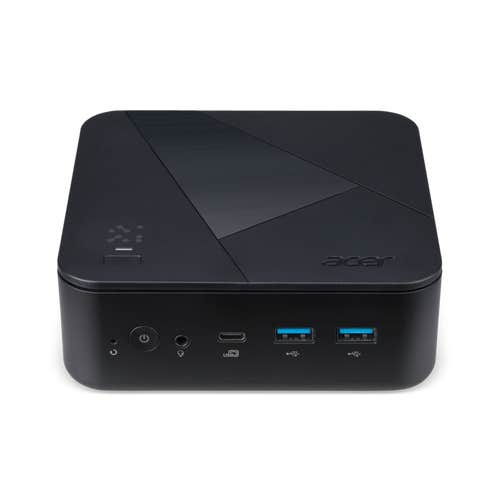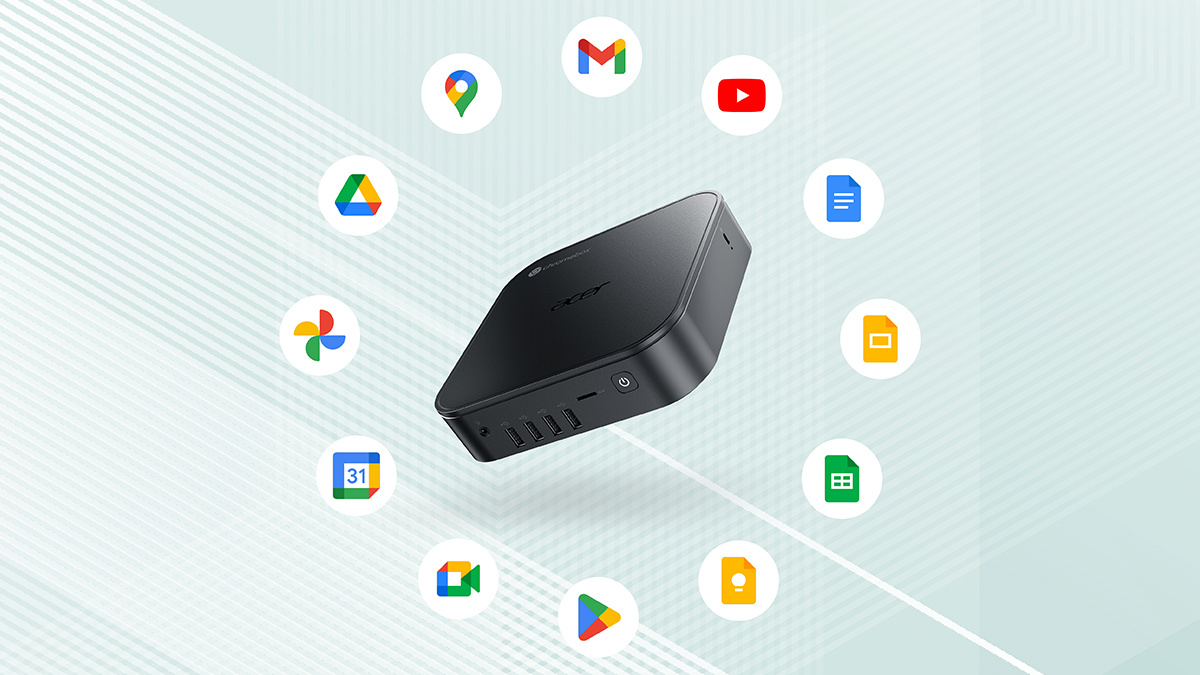
This week, we’re turning our attention to the humble but surprisingly mighty Chromebox. Small, affordable, and built for modern cloud-first workflows, the Chromebox is one of those devices that quietly gets on with the job. We’ll be covering four Acer Chromebox models this week, but before we get into the specifics, let’s take a step back and explain exactly what a Chromebox is, what it’s used for, and who it actually makes sense for in 2026.
What is a Chromebox and what is it used for?
A Chromebox is a compact desktop computer that runs ChromeOS, Google’s lightweight operating system built around web apps, cloud storage, and fast startup times. Unlike traditional Windows or macOS desktops, which are designed to run a wide range of locally installed applications, a Chromebox is built around a cloud-first operating model. It is optimized for everyday tasks such as web browsing, document editing, video calls, media streaming, and managing cloud-based workloads rather than running full desktop software suites.
Most Chromeboxes connect to an external monitor, keyboard, and mouse, making them ideal for offices, schools, front desks, and home workstations. Thanks to automatic updates, built-in security, and low power consumption, Acer Chromeboxes are popular in environments where simplicity, reliability, and easy management matter more than raw computing power. Now, let’s check out Acer’s Chromeboxes!
1. Acer Chromebox CXI6
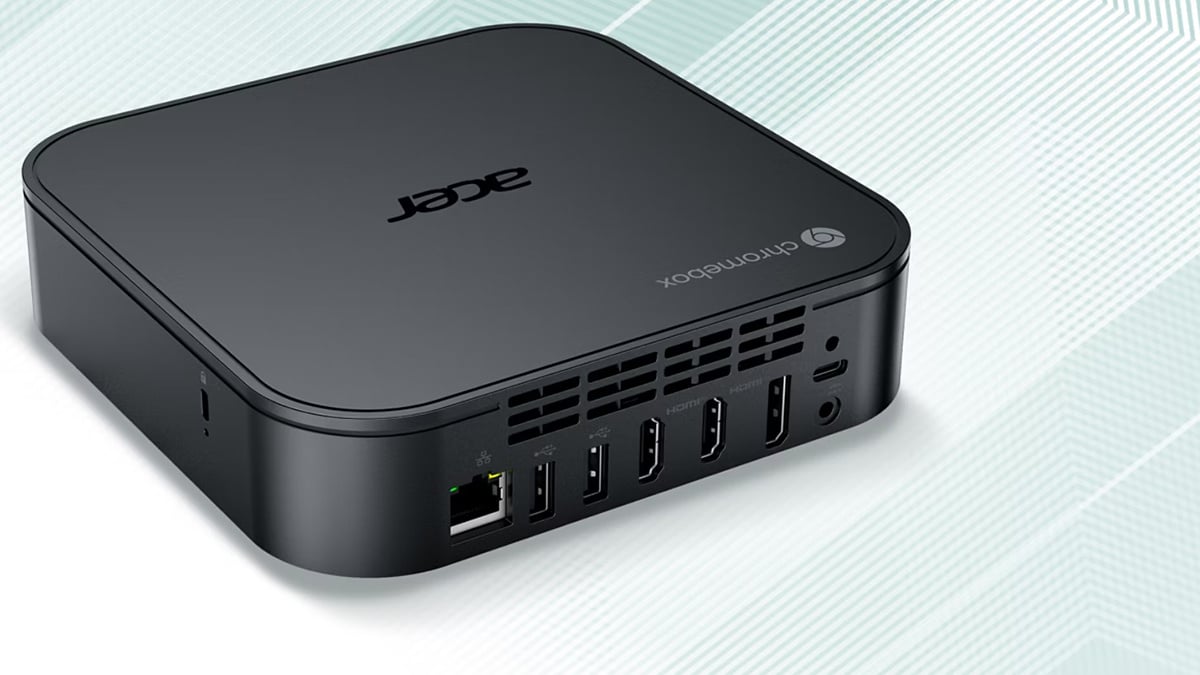
Acer’s current-gen, do-it-all Chromebox, the Acer Chromebox CXI6 is built for modern workplaces that exist in the browser but still need serious multitasking headroom. The three Acer Chromebox CXI6 models are built around Intel Core processors, support for up to four displays, fast wired and wireless networking, and a full spread of I/O, the Acer Chromebox CXI6 is aimed squarely at offices, education, kiosks, and managed IT environments where reliability and flexibility matter more than flashy towers. Add Chrome Enterprise Upgrade support and solid eco credentials, and this is a Chromebox range clearly designed for scale, not tinkering.
Instead of wildly different designs, the three Acer Chromebox CXI6 models are differentiated by graduated performance tiers. Same compact chassis, same connectivity, same security and management story. What changes is how much muscle you want under the hood. At the top sits the Acer Chromebox CXI6-C716G, pairing a Core 7 processor with 16 GB of memory for heavier multitasking, multi-display setups, and busier office roles. It’s the one you pick when you don’t want ChromeOS to feel constrained, even with lots of tabs, apps, and screens in play.
The Acer Chromebox CXI6-C516G lands in the middle. Core 5 performance, 16 GB of RAM, and the same fast SSD make it a strong all-rounder for most businesses, schools, and shared workspaces. Plenty of headroom, sensible pricing, and very hard to trip up in day-to-day use. Finally, the Acer Chromebox CXI6-C58G trims memory to 8 GB while keeping the same Core 5 platform and storage. It’s clearly aimed at lighter workloads, fixed desks, signage, or cost-controlled rollouts where ChromeOS efficiency does most of the heavy lifting anyway.
2. Acer Chromebox Mini CXM2

The Acer Chromebox Mini CXM2 keeps things simple. Unlike the Acer Chromebox CXI6 range, this is a single-model proposition, built around one clear idea: deliver dependable ChromeOS performance in an ultra-compact, silent box that can disappear behind a screen and just get on with the job. It’s not trying to be a general-purpose desktop for everyone. Instead, it’s laser-focused on kiosks, digital signage, and frontline workspaces where space, noise, and reliability matter more than raw horsepower.
The Acer Chromebox CXM2 is tuned around a balanced setup that prioritizes quiet operation, flexible mounting, and strong connectivity. The fanless 0.65L design means it runs silently, while VESA mounting lets it live behind monitors or on walls, completely out of the way. With multi-display support and ChromeOS baked in for easy management, the Acer Chromebox CXM2 feels purpose-built for fixed deployments that need to run all day without fuss. In short, this isn’t a Chromebox you tinker with. It’s one you install once, hide from view, and forget about.
3. Acer Chromebox Mini CXM1
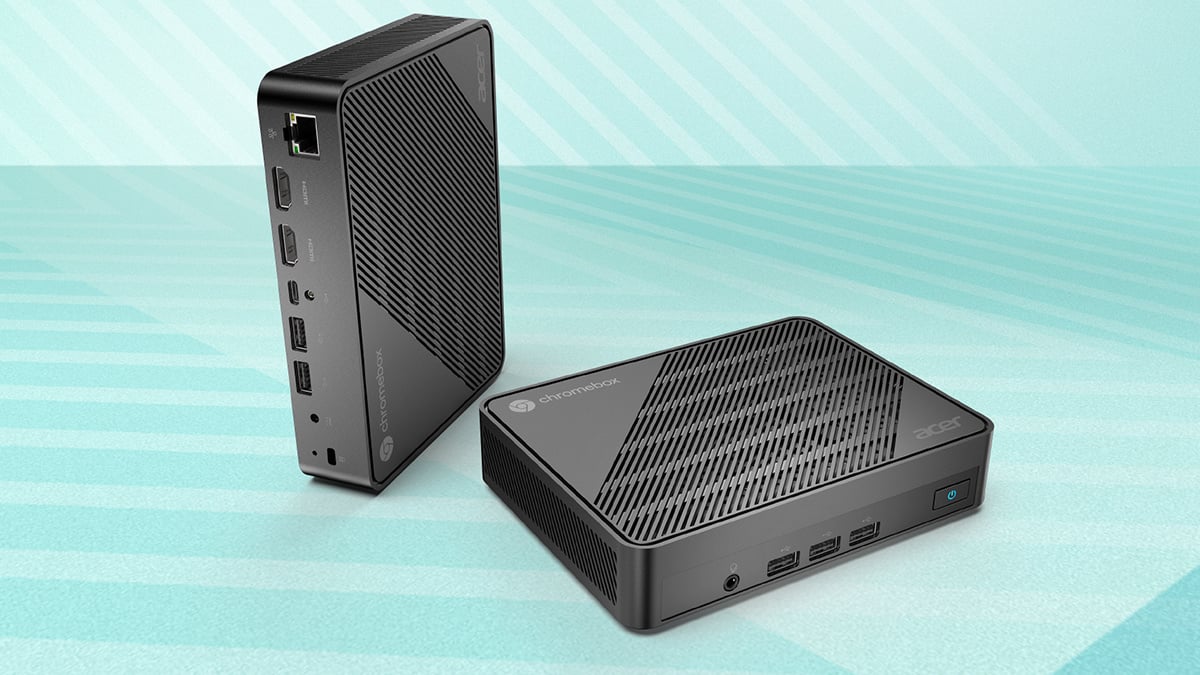
Fans of no-nonsense ChromeOS computing, meet the Acer Chromebox Mini CXM1. This is a single-model Chromebox built for simplicity, fast rollout, and low-maintenance operation, making it a natural fit for schools, small offices, shared desks, and basic commercial deployments. It’s compact, fanless, and designed to get out of the way while quietly doing its job.
Unconcerned with performance headlines, the Acer Chromebox CXM1 focuses on reliability and ease of management. Fast boot times, built-in ChromeOS security, and cloud-based profiles mean devices can be deployed quickly and kept consistent across teams. With support for multiple displays, VESA mounting, and a tidy selection of everyday ports, it’s easy to slot into desks, counters, or behind screens without much fuss.
All told, the Acer Chromebox CXM1 isn’t trying to impress power users. It’s built for environments that value speed of deployment, predictable performance, and stress-free upkeep, which, for many workplaces, is exactly what matters most.
4. Acer Chromebox CXI5
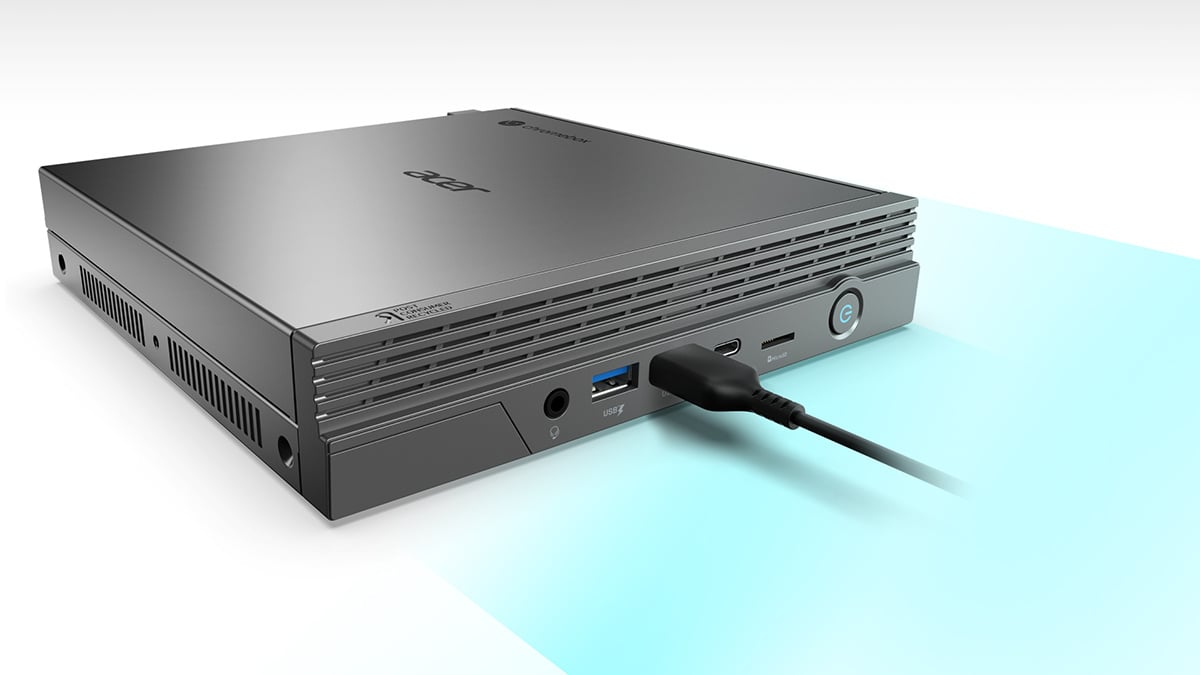
The Acer Chromebox CXI5 is available in multiple configurations, all with a clear focus on flexibility. Built around Intel processors and ChromeOS, the Acer Chromebox CXI5 range is designed to scale from basic everyday computing all the way up to more demanding, multi-display office workloads. Setup is straightforward, management inbuilt, and the compact chassis keeps things tidy whether it’s living on a desk or tucked out of sight with a VESA mount.
The Acer Chromebox CXI5 range explained
Like the Acer CXI6, the Acer CXI5 lineup isn’t about radically different hardware designs. Instead, the three models offer clearly stepped performance levels within the same compact, stylish Chromebox platform. At the top, the Acer Chromebox CXI5-I7V16G brings Intel Core i7 performance and higher memory capacity to the table, making it the natural pick for heavier multitasking, multi-display office setups, and users who want ChromeOS to feel fast no matter how busy the workload gets.
Dropping down a level, the Acer Chromebox CXI5-C864 uses an Intel Celeron processor paired with more modest memory and storage. It’s aimed at everyday business tasks, education environments, and shared workstations where reliability and cost control matter more than raw speed. The entry point of the range, the Acer Chromebox CXI5-CM4G, trims things back further for lighter-duty roles. Think fixed desks, kiosks, or deployments where ChromeOS efficiency does most of the work and budgets are tight.
Chromebox conclusion
We hope you’ve enjoyed today’s foray into the world of Acer Chromeboxes. Overall, Acer’s current Chromebox lineup shows just how far the platform has matured. From compact, fanless Minis built for kiosks and fixed deployments to more powerful, multi-display boxes aimed at busy offices and managed IT environments, there’s a clear logic running through the range.
Same ChromeOS foundations, consistent security and management, and sensible performance tiers let you choose what fits your space and workload without unnecessary complexity. Whether you’re rolling out a single desk or an entire fleet, Acer’s Chromeboxes keep things tidy, predictable, and refreshingly easy to live with.
FAQs
What is the difference between a Chromebox and a Chromebox Mini?
A Chromebox is a compact desktop for desks and multi-monitor setups. A Chromebox Mini is smaller, often fanless, and designed to be mounted behind screens or used for kiosks and signage.
Can a Chromebox replace a traditional desktop PC?
For web-based work, documents, video calls, and cloud apps, yes. For specialized desktop software or heavy local workloads, no.
How many monitors can a Chromebox support?
Depending on the model, Acer Chromeboxes can support multiple external displays, with higher-end models handling up to four.
Are Chromeboxes suitable for business and education?
Yes. ChromeOS offers built-in security, automatic updates, and simple device management, making them easy to deploy and maintain.
Do Chromeboxes require much maintenance?
Very little. Updates, security, and user profiles are largely handled automatically by ChromeOS.
Who should avoid a Chromebox?
Users who need Windows-only software, heavy creative tools, or gaming performance.
Recommended Products