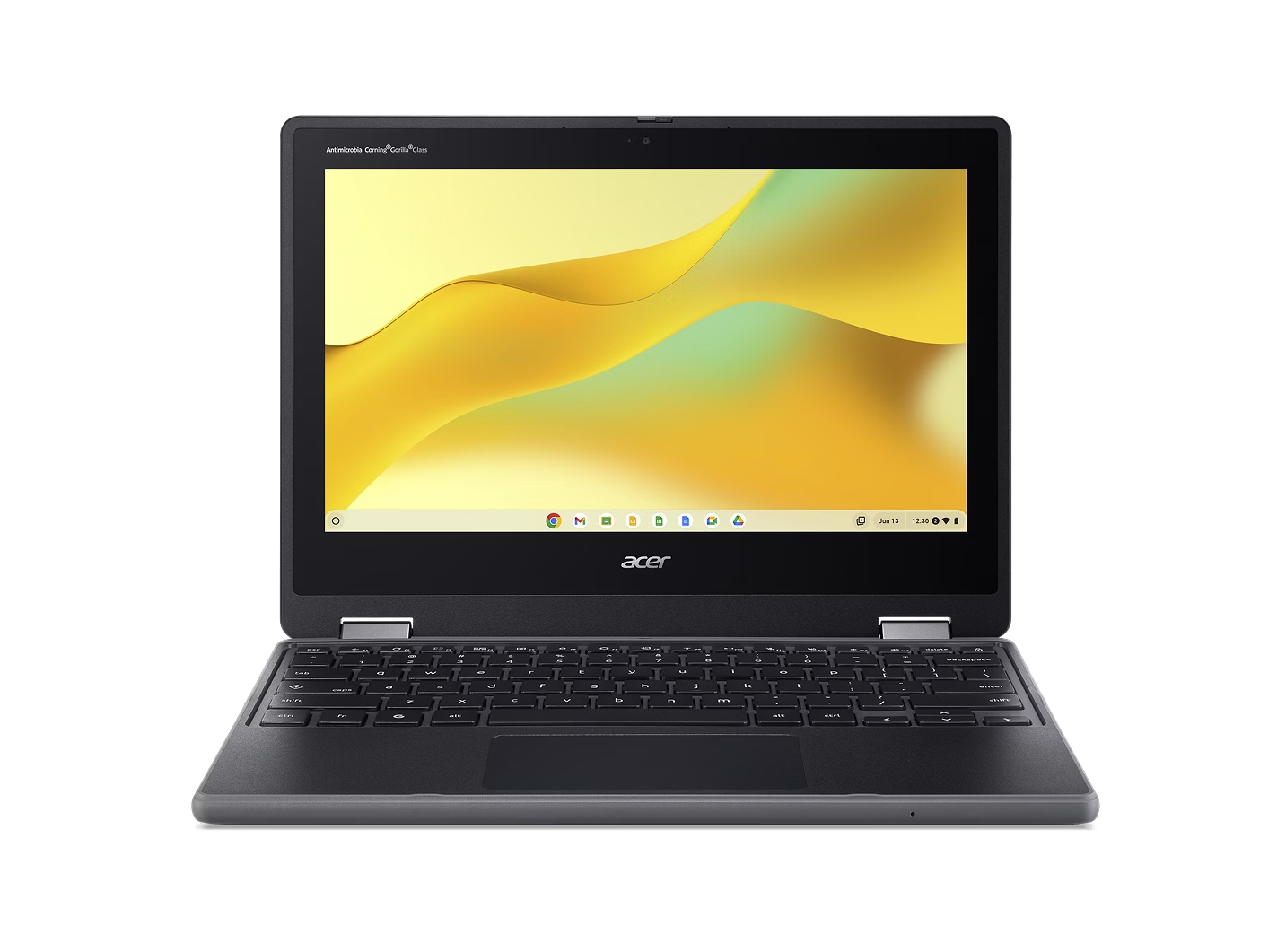
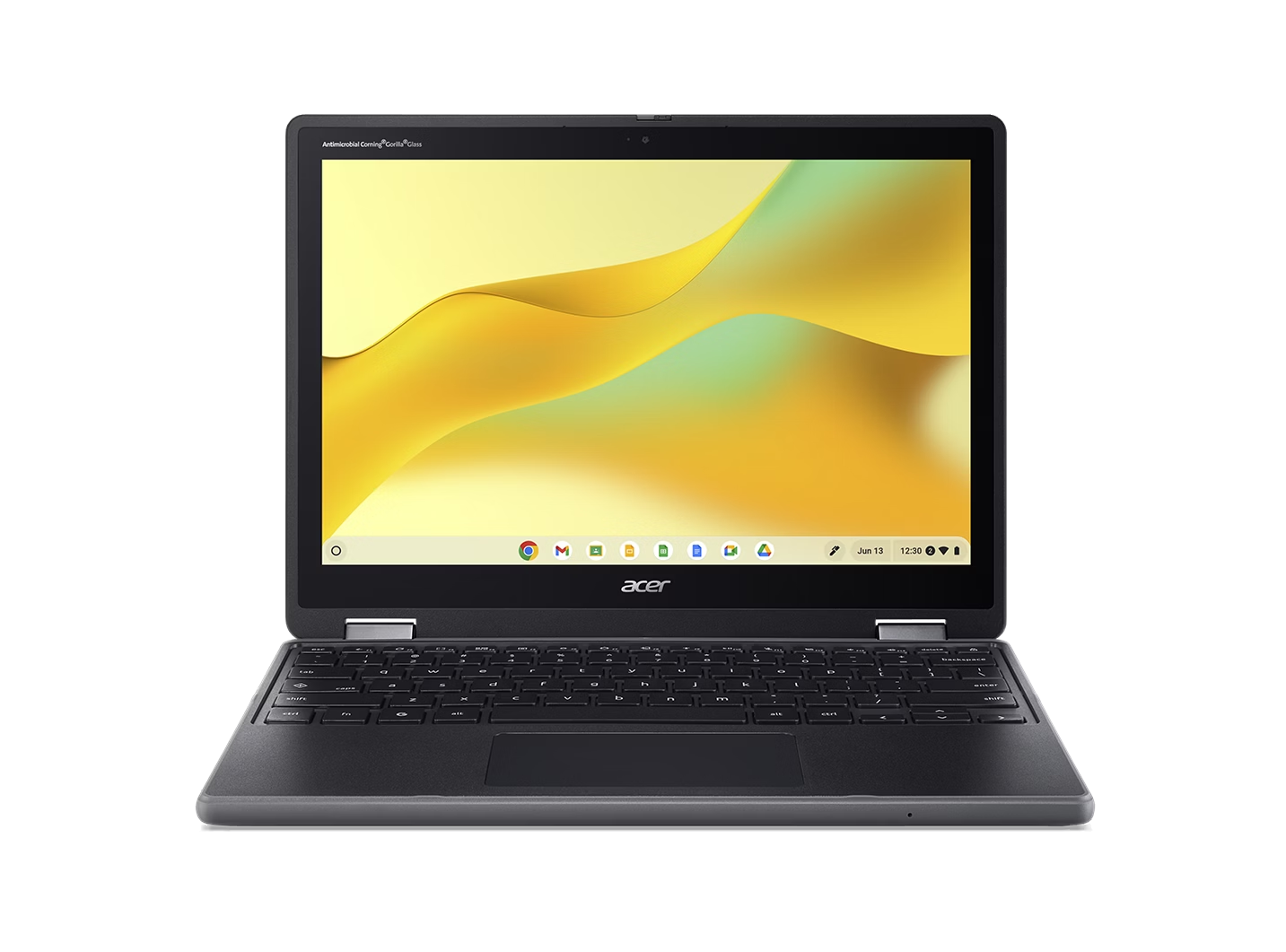
The Intel® Skills for Innovation (Intel® SFI) Starter Pack is now accessible directly through Google Classroom, giving teachers an easier way to deliver hands-on, technology-enabled learning. Educators can create and distribute assignments, organize class materials, and monitor student progress and submissions - all within the familiar Google Classroom ecosystem.
Developed through the Acer x Intel® SFI partnership, these Starter Pack lessons are free, ready-to-use teaching modules designed to support practical, skills-based learning. The three currently available Acer x Intel® SFI Starter Pack lessons (which you can read more about here) include Screen Sense, which focuses on digital wellbeing and responsible technology use; Optimize, Design, & Minimize, a mathematics-based module that introduces optimization and data-driven thinking; and Durability by Design, an engineering-focused lesson that explores product design, testing, and real-world problem solving.
By making these modules accessible through Google Classroom, teachers can integrate these free-to-use learning tools more seamlessly into their lesson plans - without adding any more complexity to classroom management.
What is Google Classroom?
For those unaware, Google Classroom itself is an online learning platform that helps teachers and students manage classes, assignments, and learning materials in one central location. Designed for in-person, remote, and hybrid classrooms, it simplifies how lessons are shared and completed.
Teachers can create assignments, distribute resources, collect student work, and provide feedback digitally, while students can easily access materials, track deadlines, and submit their work in a familiar, structured environment. Through integration with Google Workspace, files such as Docs, Slides, Sheets, and Drive resources can be attached and managed seamlessly within each class.

Getting Started with the Intel® SFI Starter Pack on Google Classroom
With Intel® SFI Starter Pack lessons now available directly in Google Classroom, hands-on learning can now be introduced the same as any classroom resource - all without changing how teachers already manage lessons, assignments, or materials. The Starter Pack lessons sit alongside existing coursework, making them easy to assign, review, and track within a platform educators and students use every day.
For educators, this means guided, curriculum-ready activities can be integrated without additional software or complex preparation. For students, the Starter Pack lessons are easier to access and complete within their regular class environment, supporting engagement while reducing technical friction.
To see how this works in practice, the step-by-step video below walks through how to access and use Acer x Intel® SFI Starter Pack lessons in Google Classroom:
Beyond ease of access, the Intel® SFI Starter Pack lessons are designed to spark hands-on, project-based learning across subjects. Teachers could use Screen Sense to have students analyze their own screen time data and develop strategies for healthier technology habits, apply Optimize, Design, & Minimize to a project where students design more efficient packaging using math and sustainability concepts, or introduce Durability by Design by challenging students to prototype and test a classroom object for strength and usability. And because Intel® SFI Starter Pack lessons are now available on Google Classroom, they can be assigned like any other assignment - making it easy to experiment, adapt, and build interactive lessons within an existing syllabus.
To explore Intel® SFI Starter Pack lessons in more detail and see how they can fit into your own lesson plans, visit the Acer x Intel® SFI landing page and try out a module today.
Recommended Products